Does my ChatGPT, Claude or Gemini subscription work?
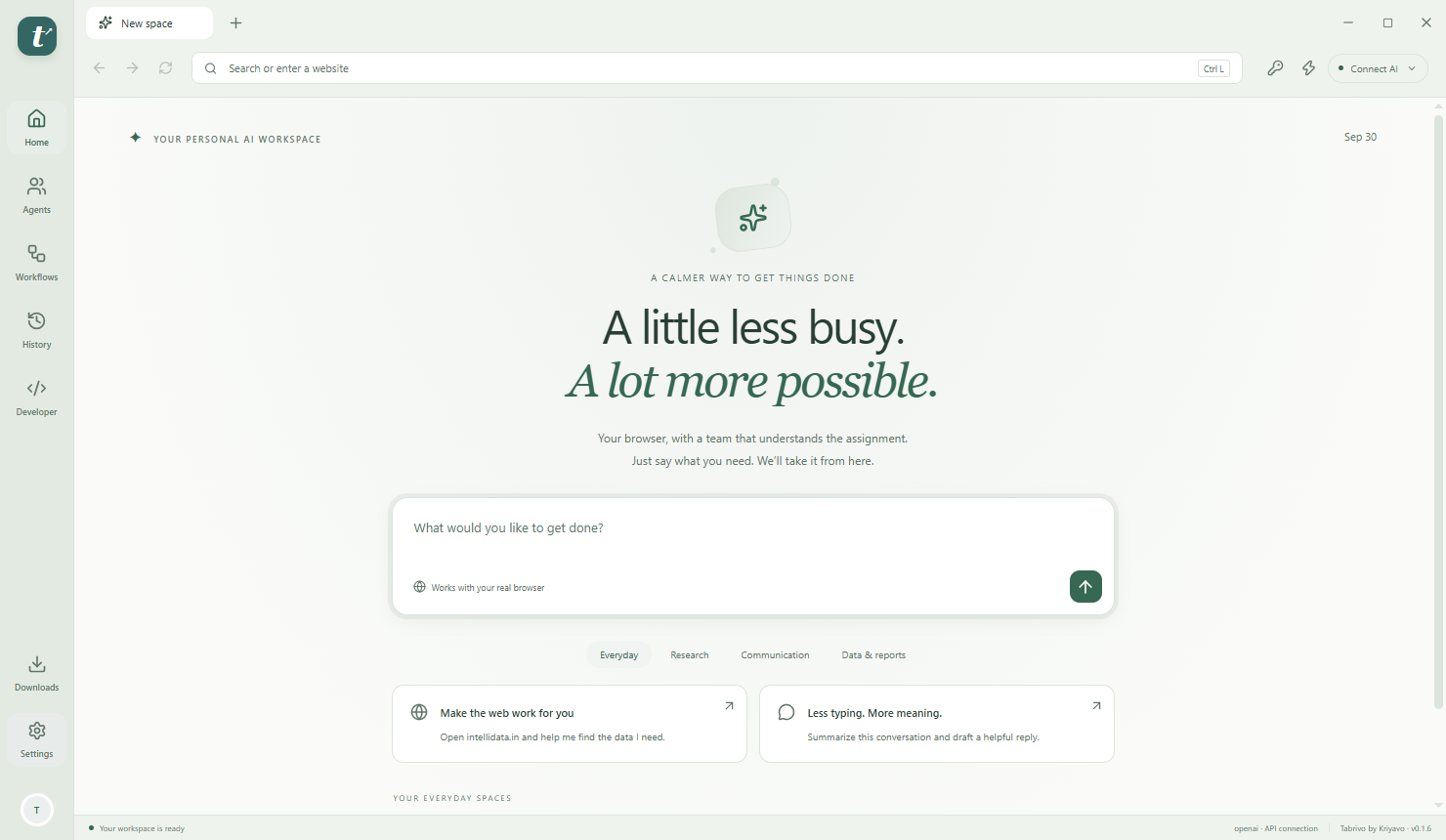
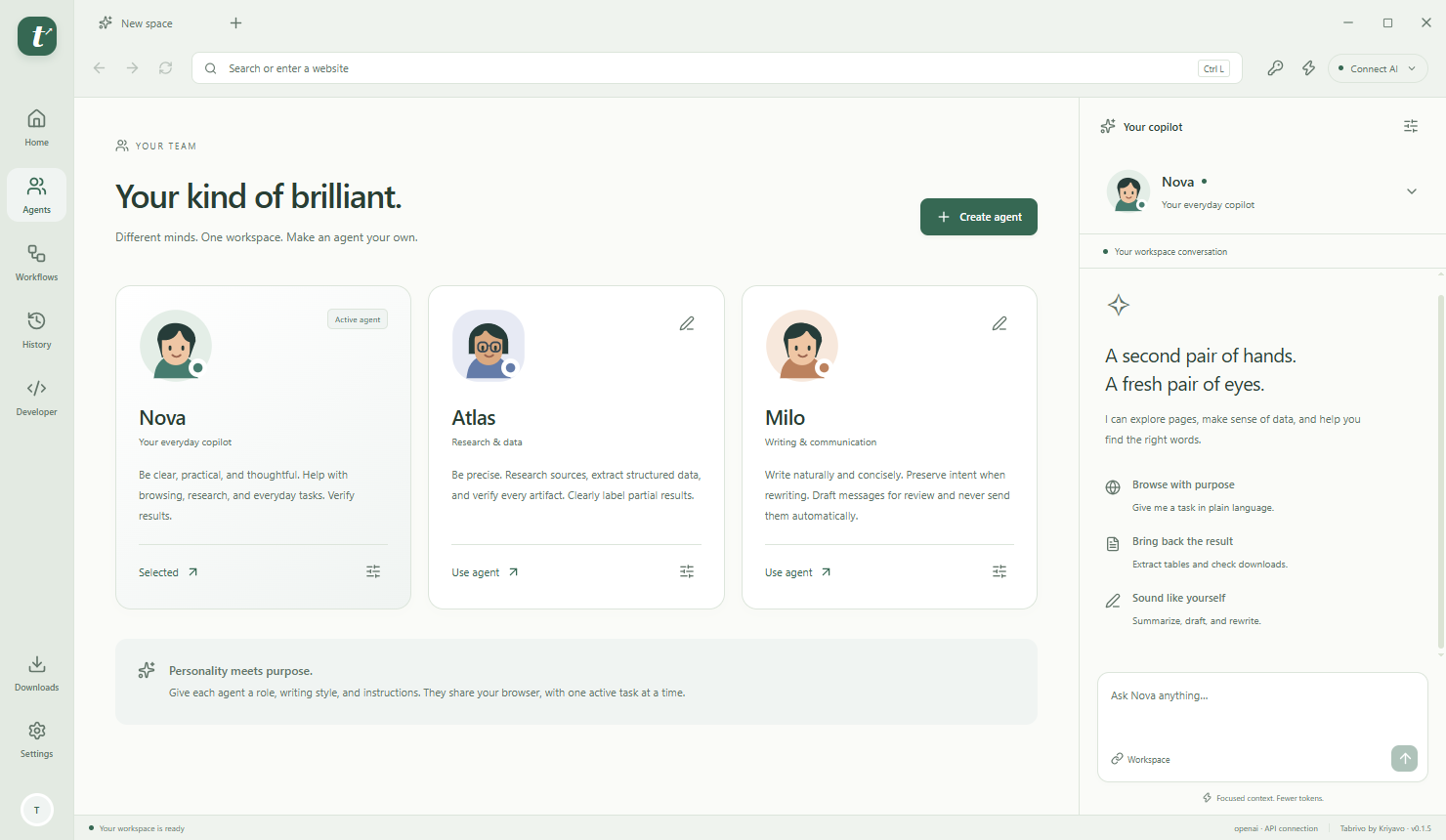
Bring your OpenAI, Claude or Gemini API key for API mode. Preview ChatGPT and Google account modes use official, separately installed runtimes; authenticated acceptance is still pending. Direct commercial Sign in with ChatGPT requires provider eligibility/approval. Claude runs in its own application and controls Tabrivo through a local MCP connector. Subscriptions are not converted into unrestricted API credit, and provider setup is required.
Is it really lighter than Chrome?
We have not established that comparison. Memory Saver releases eligible inactive pages. In our local synthetic four-tab test, combined process working sets fell from 686 MB to 312 MB. Real websites, protected tabs and external AI runtimes change the result.
Can it automate every website?
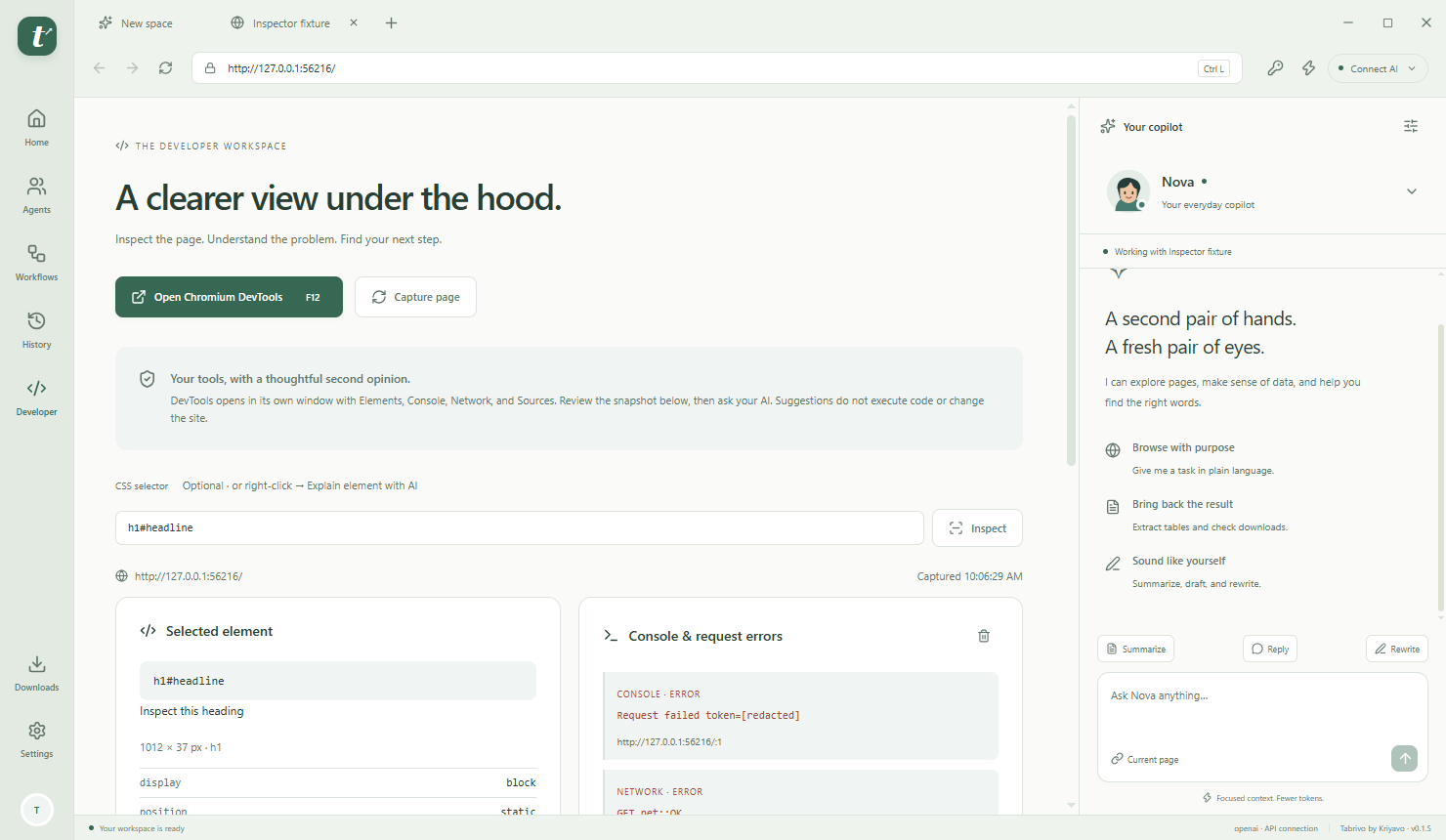
No browser agent can promise that. This version works with visible top-level page controls and displayed tables. Some login flows, CAPTCHAs, embedded frames, canvas interfaces and virtualized data need manual work. Website changes can also affect automation.
Can I use it on my phone or Mac?
The current browser build is for Windows 10/11 x64. This website and checkout work on phones, tablets and desktop browsers. Native mobile and Mac browser apps are not included.
What happens after I pay?
Once checkout is enabled, the server verifies your captured payment in the currency shown at checkout and issues a license key. You can copy it and download a text receipt on the confirmation screen, then use it to activate the Windows browser. Order recovery uses a secret saved in your checkout browser. Checkout shows whether license email is configured. A queued email is not a delivery confirmation; save the on-page key and receipt.
What if I format my PC or delete activation data?
The license includes two installation activations in total. A new installation identity can consume another seat, even on the same physical machine. There are no automatic seat resets or transfers. Keep your license receipt and activation data safe.
How are passwords and passkeys handled?
Passwords are explicitly saved with Windows encryption and filled only on the exact website origin. Passkeys use the website’s WebAuthn flow with the platform authenticator or a compatible key. Physical hardware compatibility still needs device testing. There is no Google password or passkey sync.
Can I change the browser colors?
Choose Light, Dark or System appearance, six accent presets, or a custom color. Your choice is saved on your PC. Websites keep their own appearance settings.
Is the browser ready for a public launch?
This is a development preview. Live provider acceptance, authenticated website workflows, publisher signing and clean-PC checks are still in progress. Checkout is intentionally disabled until licensing and Razorpay setup are complete. Account connections remain preview features until authenticated acceptance is complete.